
This makes me curious to know if CDPLAYER.EXE would still work (unmodified, without extra DLLs) with a real CD-ROM drive if you ran it on a Windows 11 machine with one installed.
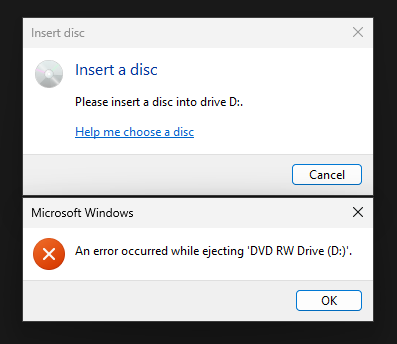
It acts generally weird (buy a £10 dvd drive from ebay and try it yourself if you want any more detail, useful thing to have anyway) and obviously I can't get it to play anything.
The RTM version gets a bit further, doesn't show that weird Explorer error, but I still can't get it to play anything and opening the playlist crashes it vs on the Beta version where it actually listed the tracks.
I suspect the cd player is trying to take control of the drive and fighting with Windows trying to be helpful, don't know if there's a way to turn it off.
Edit: i meant ImgDrive as a suggestion for those without optical drives. I have several, I'll test em out